
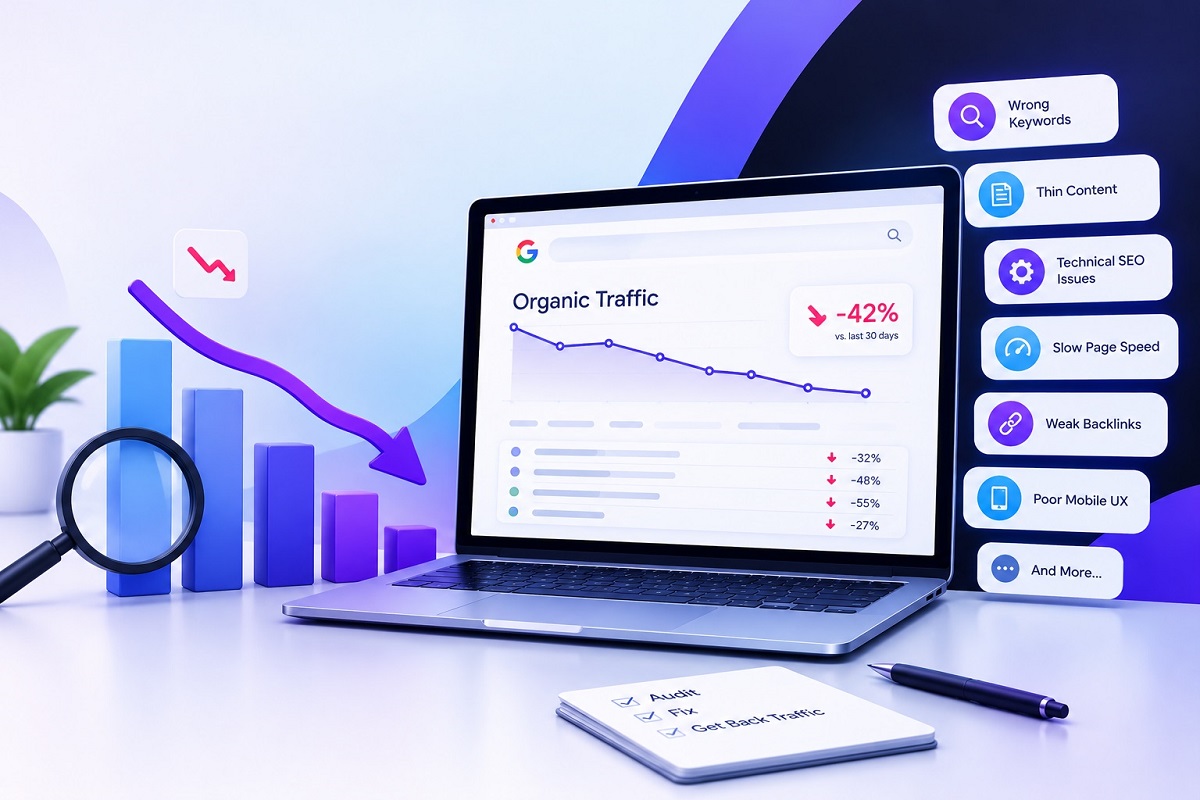
Organic traffic is one of the most valuable sources of website visitors because it helps businesses attract people who are actively searching for their products, services, or information. However, even a website that previously performed well on Google can experience a sudden website traffic drop or a gradual decline in search engine rankings. When this happens, understanding the reasons behind the organic traffic loss is essential before making changes to your SEO strategy.
If you are wondering, “Why is my website losing organic traffic?”, the answer could involve several factors, including technical SEO errors, outdated content, Google algorithm updates, declining backlinks, or changes in user search behaviour. In some cases, the issue may be limited to a few pages rather than the entire website.
The good news is that many SEO issues can be identified through a structured website SEO audit. By analysing your website’s SEO performance and investigating the right data, you can identify potential problems and develop a practical recovery plan.
In this guide, we explore 12 common SEO issues that can cause organic traffic to decline and explain how to investigate and address them.
1. Google Algorithm Updates and Ranking Changes
Google regularly updates its search systems to improve the relevance and usefulness of search results. These changes can affect search engine rankings, causing some websites to gain visibility while others experience a decline.
A Google ranking drop following an update does not automatically mean your website has a penalty. Your competitors may have published more useful content, or Google’s systems may have changed how they evaluate pages for particular searches.
How to fix it: Compare your website’s organic performance before and after the decline. Review which pages and keywords lost visibility, then assess whether your content provides accurate, original, helpful information that satisfies search intent. Avoid making major changes based only on speculation about an algorithm update.
2. Website Indexing and Crawling Problems
Google must be able to discover, crawl, and index your important pages before they can appear in organic search results. Accidental technical changes can prevent this from happening.
Common problems include incorrect noindex directives, blocked URLs in robots.txt, incorrect canonical tags, and pages that return server errors. Website redesigns and migrations can also introduce indexing problems.
How to fix it: Open Google Search Console and review the Page Indexing report. Inspect important URLs individually to understand whether Google can access and index them. Check your XML sitemap, robots.txt file, canonical tags, and HTTP status codes. Correct genuine errors and request reindexing for eligible pages after fixing them.
3. Outdated or Declining Website Content
Content that once attracted visitors may become less useful over time. Statistics can become outdated, recommendations may no longer reflect current practices, and competing pages may offer more detailed answers.
This process, often called content decay, is one of the common SEO issues that can gradually reduce organic visibility.
How to fix it: Identify pages with declining impressions, clicks, or rankings. Update outdated information, improve explanations, add relevant examples, and answer questions your audience is currently asking. Remove unnecessary repetition and ensure every section contributes genuine value. Updating content should improve its usefulness rather than simply change the publication date.
4. Keyword Cannibalisation
Keyword cannibalisation occurs when multiple pages on the same website target similar search intent and compete for visibility. For example, a business might publish several articles about the same SEO service without giving each page a distinct purpose.
This can make it harder for search engines to understand which page best satisfies a particular query.
How to fix it: Use Google Search Console to identify queries for which multiple URLs receive impressions. Review the pages to determine whether they serve different purposes. Where appropriate, combine overlapping articles, strengthen internal links, or differentiate their topics and search intent. Do not merge pages simply because they share a keyword.
5. Search Intent Mismatch
A page may contain relevant keywords but still struggle to rank because it does not meet the searcher’s expectations. Someone searching for an SEO checklist, for instance, may want practical steps rather than a general introduction to search engine optimisation.
When competing pages answer the query more directly, your page may lose visibility.
How to fix it: Search your target keywords on Google and examine the types of results appearing. Determine whether users want a guide, comparison, service page, product page, or quick answer. Restructure your content to address that intent clearly, using relevant headings and useful information without copying competitors.
6. Technical SEO Problems
Technical SEO helps search engines crawl, interpret, and access your website efficiently. Technical SEO problems affecting website traffic can include broken redirects, incorrect canonical tags, duplicate URLs, JavaScript rendering issues, server errors, and poorly organised site architecture.
These problems may prevent important pages from being discovered or understood correctly.
How to fix it: Conduct a technical website SEO audit using Google Search Console and a reliable website crawling tool. Review status codes, redirect chains, canonical tags, XML sitemaps, internal links, and crawlability. Prioritise issues affecting important landing pages rather than attempting to fix every warning without understanding its impact.
7. Slow Page Speed and Core Web Vitals
Website performance can affect user experience, particularly when pages load slowly or become difficult to interact with. Although page speed alone does not explain every traffic decline, poor performance can contribute to a weaker overall experience.
Large images, excessive scripts, unnecessary plugins, and inefficient hosting are common causes of slow websites.
How to fix it: Test important pages using Google PageSpeed Insights. Review Core Web Vitals, including Largest Contentful Paint (LCP), Interaction to Next Paint (INP), and Cumulative Layout Shift (CLS). Compress images, remove unnecessary scripts, enable effective caching, and improve server response times where needed.
8. Mobile Usability Issues
Many users access websites through smartphones. If your website has difficult navigation, overlapping elements, unreadable content, or intrusive pop-ups on mobile devices, visitors may struggle to use it.
Mobile usability problems can also make important content harder for search engines to access or interpret.
How to fix it: Test key landing pages on different screen sizes. Check navigation, buttons, forms, text readability, image sizing, and page loading performance. Ensure that important content and structured data are consistent between mobile and desktop versions.
9. Lost or Low-Quality Backlinks
Backlinks from relevant websites can help search engines understand a page’s prominence and reputation. If valuable backlinks disappear, some pages may lose ranking strength. However, not every lost link causes a meaningful decline, and acquiring more backlinks is not always the solution.
How to fix it: Review your backlink profile using an SEO analysis tool. Identify whether important links have disappeared, whether linking pages have been removed, or whether a technical change has broken existing links. Focus on earning relevant editorial links through original research, useful resources, digital PR, and genuinely valuable content. Avoid buying links intended to manipulate rankings.
10. Broken Links and Redirect Errors
Broken internal links can interrupt navigation and prevent users and search engines from reaching important pages. Incorrect redirects can also send visitors to irrelevant URLs or create redirect chains.
These problems frequently appear after website redesigns, URL changes, and content restructuring.
How to fix it: Crawl your website to find broken internal links, redirect loops, and chains. Update links to point directly to the correct destination. When a page has permanently moved, use an appropriate 301 redirect to its closest relevant replacement. Avoid redirecting unrelated URLs to the homepage simply to preserve traffic.
11. Website Migration or URL Changes
Changing your domain, CMS, URL structure, or website design can affect organic traffic if search engines cannot correctly follow the changes. Missing redirects, removed content, altered canonical tags, and outdated internal links can all contribute to a website traffic drop.
How to fix it: Compare your current website with its previous version. Check redirect mappings, important landing pages, XML sitemaps, internal links, and indexing status. Monitor Search Console after migration and investigate whether affected URLs have valid replacements. A planned migration should include SEO checks before launch, not only after rankings decline.
12. Falling Click-Through Rates and Changing Search Results
Sometimes your pages continue appearing in search results, but fewer people click them. This can happen when title tags and meta descriptions are unappealing, competitors offer more relevant answers, or search results change to include features such as AI Overviews.
As a result, organic clicks may decline even when impressions remain relatively stable.
How to fix it: Review impressions, clicks, click-through rates, and average positions in Google Search Console. Compare performance by query, page, and device. Improve titles and descriptions so they accurately communicate the page’s value. Make content clearer and more relevant, but remember that a lower click-through rate does not always indicate a ranking problem.
How to Diagnose Organic Traffic Loss in Google Search Console?
If you want to understand how to diagnose organic traffic loss in Google Search Console, start by comparing the affected period with an earlier period of similar length. Use the Performance report to identify changes in clicks, impressions, average position, and queries.
Next, identify whether the decline affects the entire website, a specific group of pages, or a small number of keywords. Check the Page Indexing report for technical problems and inspect important URLs individually. Use Google Analytics alongside Search Console to understand whether the decline is specific to organic search or part of a wider reduction in website visits.
This process helps distinguish between technical problems, ranking changes, lower search demand, and reduced click-through rates. Understanding the cause is essential before deciding how to recover lost organic search traffic.
Website SEO Audit Checklist to Improve Organic Traffic
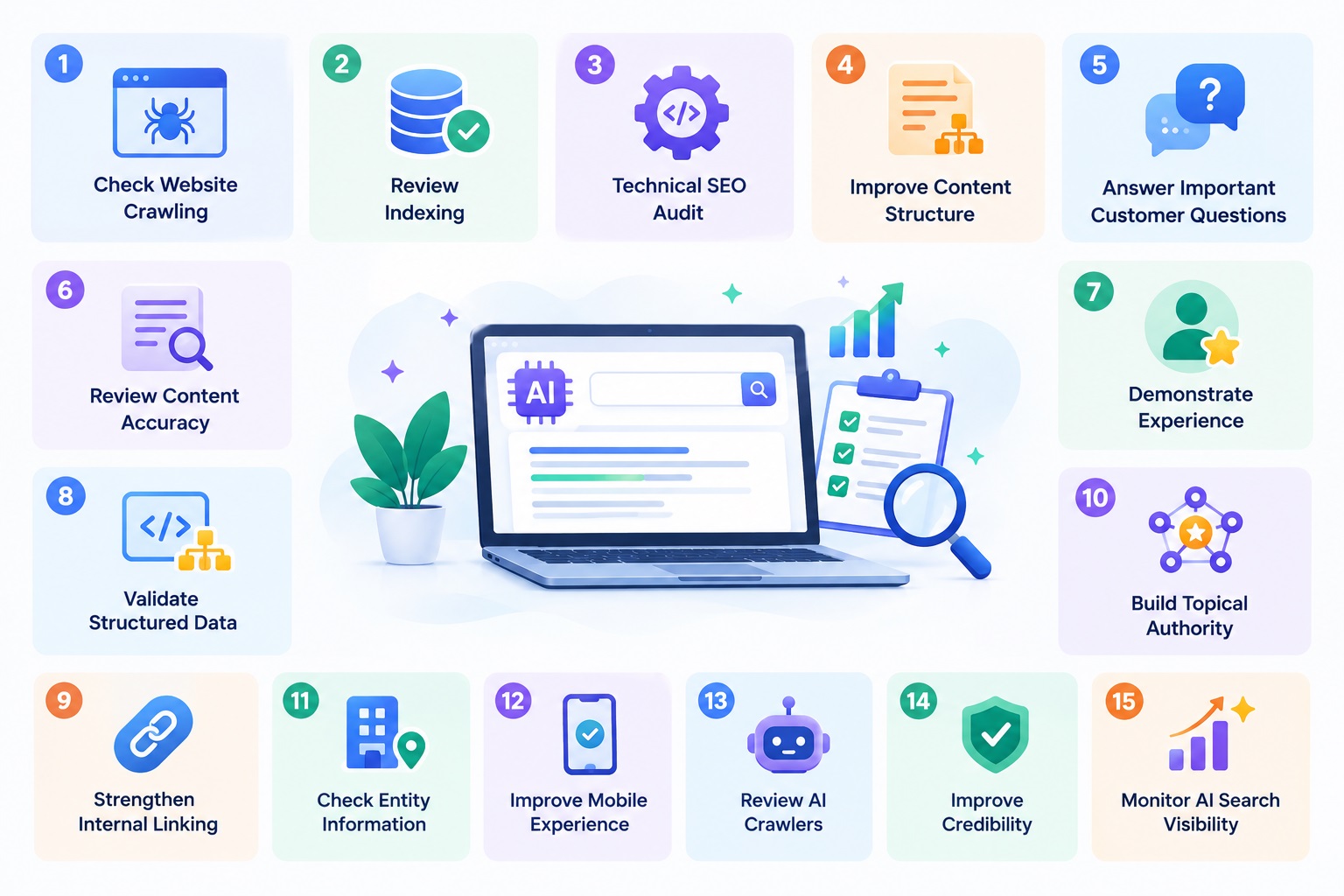
A practical website SEO audit checklist to improve organic traffic should include the following checks:
- Compare organic clicks and impressions across relevant periods.
- Check indexing, crawlability, and important URL status codes.
- Review declining pages, outdated content, and keyword targeting.
- Investigate Core Web Vitals and mobile usability.
- Check broken links, redirects, and canonical tags.
- Review backlink changes and internal linking.
- Assess title tags, meta descriptions, and search intent.
- Monitor improvements after making targeted changes.
Prioritise fixes according to their likely impact, severity, and the importance of the affected pages. Record changes and measure results over time rather than expecting immediate recovery.
Recover Your Website’s Organic Traffic with a Clear SEO Strategy
A website traffic drop can be frustrating, but it does not always mean your SEO strategy has failed. The key is to identify the underlying cause instead of making random changes that may create further problems.
From technical SEO errors and outdated content to backlink losses and changing search intent, each issue requires a different approach. Consistent website traffic analysis, regular audits, and useful content improvements can help businesses protect their visibility and make informed decisions.
At SEOBuckinghamshire, a UK SEO company, we help businesses identify SEO problems, improve website performance, and develop practical strategies for sustainable organic growth. If your website is experiencing declining search engine rankings or unexplained organic traffic loss, a professional SEO audit can help you understand what needs attention and where to focus next.
If you’re looking for expert SEO services to help manage content audits, updates, and optimization strategies, reach out to SEO Buckinghamshire—a leading digital agency in the UK with over 10 years of experience in SEO, web design, and digital marketing.